


Wilcom Embroidery Digitizing Software Features Explained
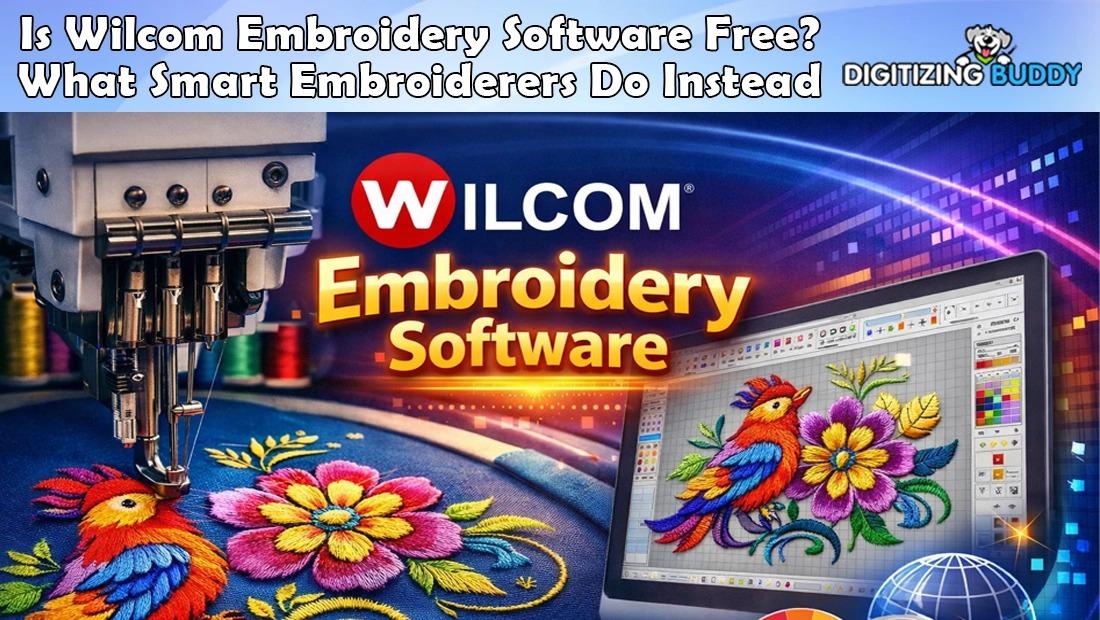
Hey, embroidery enthusiasts and pros! Stepping up your digitizing game can turn good designs into jaw-dropping stitched masterpieces that clients rave about. Whether you're running a bustling shop, creating custom apparel at home, or building a side hustle, the right tools make all the difference. One name consistently rises above the rest for power, precision, and creativity. Packed with smart features that streamline workflows and unlock advanced techniques, this software has earned its spot as an industry favorite. Let's dive into the standout capabilities that set it apart and explore why so many rely on Wilcom embroidery digitizing software.
Intuitive Interface for All Skill Levels
Nobody wants to wrestle with confusing menus. Wilcom welcomes beginners and veterans alike with a clean, organized workspace. Toolbars group logically, and customizable docks let you arrange everything to match your flow.
Context-sensitive helpers and tooltips guide you through tasks without overwhelming the screen. Switch between simplified and advanced views as your confidence grows. Quick-access icons speed common actions, so you spend less time clicking and more time creating.
Powerful Vector Import and Tracing
Great designs often start outside the program. Wilcom handles vector files like AI, EPS, and SVG flawlessly, preserving paths for perfect scaling. Import raster images and use smart auto-trace tools to convert them into editable objects quickly.
Adjust trace settings for fine control over detail levels. Clean up nodes, smooth curves, and close paths with ease. This seamless integration means you bring in client artwork and start digitizing immediately, no extra prep software needed.
Advanced Auto-Digitizing Options
Need speed without sacrificing quality? Auto-digitizing tools analyze artwork and suggest stitch types intelligently. Choose from full auto for simple shapes or guided modes that let you tweak suggestions.
The software detects edges, fills, and holes, applying satin, tatami, or motif fills appropriately. Color photo-stitch turns portraits into realistic threaded art with blended shading. Refine results manually whenever needed—auto features accelerate the start, not limit the finish.
Manual Digitizing for Total Control
True pros thrive on precision. Manual tools offer unmatched flexibility: draw input shapes freehand or with Bezier curves, then assign stitch types instantly.
Branching tools connect objects efficiently, minimizing jumps and trims. Reshape outlines with drag-and-drop nodes or precise coordinate entry. Convert between stitch types on the fly—turn a fill into satin or add motif runs for texture. Every adjustment updates in real time, giving you confidence before committing.
Extensive Stitch Types and Effects
Variety keeps designs exciting. Wilcom delivers dozens of stitch options: classic satin and tatami, programmable motifs, cross-stitch, and stippling.
Create custom motif patterns or import favorites. Add 3D puff with foam underlays, appliqué with tack-down and border sequences, or intricate lace with open fills. Blend colors smoothly for gradients and shading. Special effects like wave fills, radial patterns, and florentine add artistic flair that stands out on garments.
Smart Color Management
Matching threads accurately saves headaches. Built-in palettes from major brands like Madeira, Isacord, and Robison-Anton make selection effortless.
Auto-color blending suggests harmonious transitions. Reduce similar shades to minimize color changes on multi-head machines. Photo-realistic preview shows designs on different fabric colors. Lock colors for brand consistency across projects.
Layer and Sequence Control
Complex designs demand organization. The object manager lists every element, letting you hide, lock, reorder, or group instantly.
Control stitch sequence to optimize machine runs—backgrounds first, details last. Add slow-downs for tricky areas or stops for appliqué fabric placement. Color sequence view highlights thread changes, helping you streamline for faster production.
Simulation and Preview Tools
See before you stitch. Advanced 3D true-view simulation renders designs on virtual fabric with realistic thread thickness and pull effects.
Zoom in to check density, spot gaps, or examine undersides for jumps. Production worksheets calculate stitch counts, thread usage, and run times. Slow-motion playback reveals needle penetration order. These previews catch issues early, saving materials and time.
Lettering That Looks Professional
Text transforms apparel. Choose from hundreds of built-in fonts or import TrueType for endless options.
Reshape letters with envelope distortion, arc paths, or monogram frames. Auto-kerning and baseline adjustments ensure perfect spacing. Add stitch effects like outline, shadow, or motif fills to lettering. Create custom alphabets for unique branding.
Productivity Boosters
Efficiency matters in busy shops. Templates store favorite settings for quick starts. Batch processing converts multiple files at once.
Team features allow collaborative editing on shared networks. Auto-backup and version history protect work. Keyboard shortcuts and macro recording speed repetitive tasks. Integration with CorelDRAW streamlines vector prep within the same suite.
Regular Updates and Support
The platform evolves constantly. New releases add requested features, improve speed, and support emerging machine formats.
Online tutorials, forums, and video lessons help you master advanced techniques. Responsive support teams troubleshoot issues quickly. Cloud licensing offers flexibility across workstations.
Conclusion
Wilcom packs an impressive arsenal of features that empower digitizers to create faster, smarter, and more creatively than ever. From intuitive tools that welcome beginners to deep manual controls that satisfy experts, every element works together to turn ideas into stunning embroidered reality. Auto options accelerate workflows, advanced effects inspire innovation, and precise previews ensure flawless results. Whether you're digitizing simple logos or intricate multi-technique designs, this software delivers the reliability and versatility professionals demand. Dive in, explore the tools, and watch your embroidery projects reach new levels of excellence—one powerful feature at a time.

 English
 Arabic
 French
 Spanish
 Portuguese
 Deutsch
 Turkish
 Dutch
Dutch
 Italiano
 Russian
 Romaian
 Portuguese (Brazil)