


How can you perfectly edit Jewellery photographs? A Complete Guide
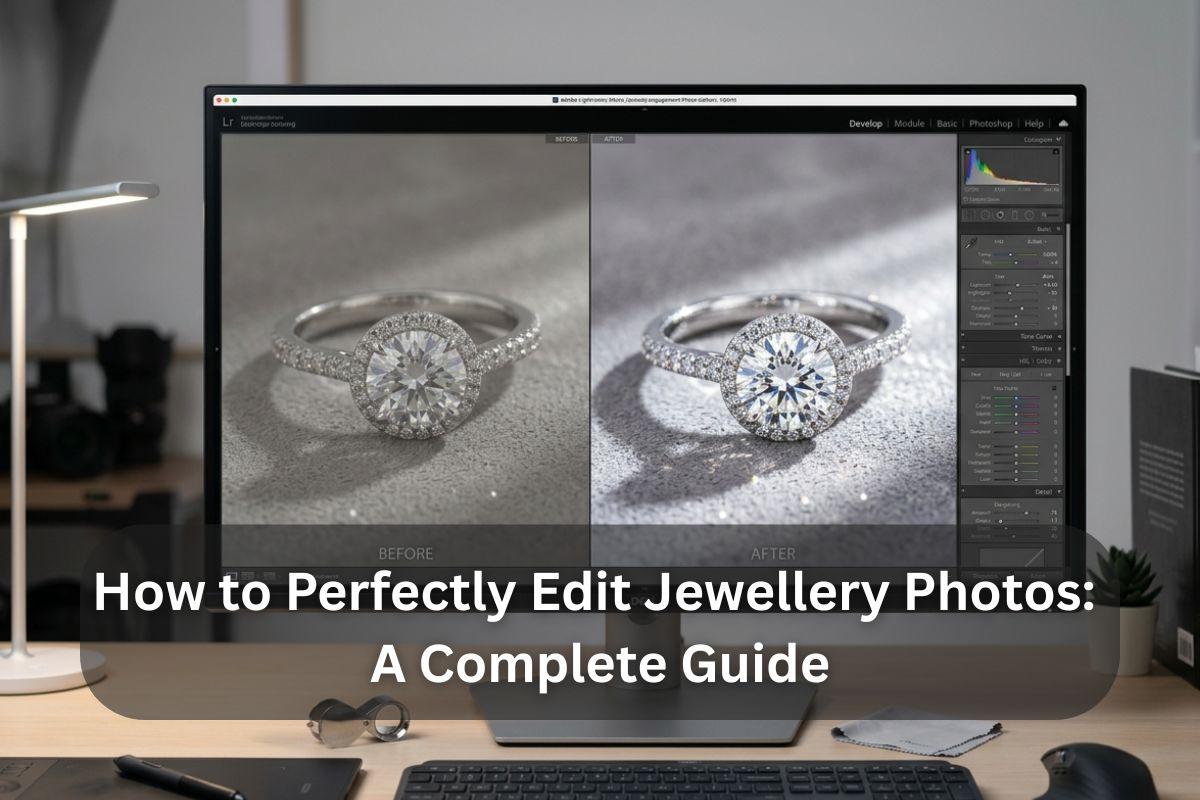
Interested in boosting your online jewelry sales? Well, everything depends on the pictures that you upload. Since customers cannot touch or feel your products, your pictures form the entire impression, which is why you need to be familiar with the correct way to edit these images for enhanced sales and better revenue. This guide tells you how you can perfectly edit jewellery images using jewellery retouching services.
Adjusting the lighting and white balance
First of all, let us adjust the lighting in your image so that it looks similar to the shining diamond right in front of you. If you need to alter the exposure or the overall brightness of the picture, the exposure control can be moved back and forth until the desired effect is achieved—neither too dark nor too bright. The white balance allows people to ensure that all the colours in the image look true to life and not unrealistic or artificial.
Fine turning saturation and hue
The hues have to be perfect, especially for such a visually demanding item as jewelry. If the color of your bracelet or ring does not match the reality, it may make the customers think twice. The Hue/Saturation setting is where you can go to adjust these colors!
Sharpen the Image
The last step is to check that every facet, every engraving, and even the tiniest details are clearly visible and vivid. The feature increases the image quality perception by improving the visibility of fine details and textures that are usually lost during the initial image processing or due to compression.
Add shadows for realism
Shadows can add a lot to the overall impact of jewelry photos by making them look more real and thus more attractive! Make use of a soft brush that comes with your photo editing application to delicately place a shadow under the jewelry. Keep the shadow light and not too hard—imagine how a shadow looks on a bright sunny day, soft and with gradual edges.
Remove small imperfections
Spot healing is fantastic for removing tiny imperfections from your jewelry that could be distracting, like dust or fingerprints. To begin with, in the image processing application, locate the Spot Healing Brush. The Spot Healing Brush is a clever tool—it can fill in the defective area with the texture of the surrounding area, hence making the area less noticeable.
Once you have edited your pictures perfectly, you can crop and resize your image to upload it properly.
Source: Visuals Clipping

 English
 Arabic
 French
 Spanish
 Portuguese
 Deutsch
 Turkish
 Dutch
Dutch
 Italiano
 Russian
 Portuguese (Brazil)
 Greek
Greek